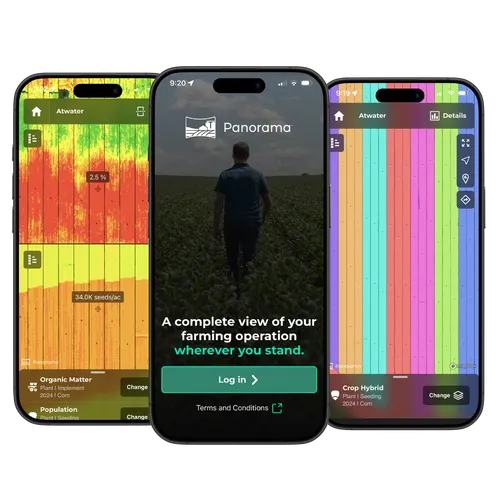
Utilise Your Data Outside of the Cab
With an unbroken view of your farming operation, wherever you stand.
The Value of Agronomic Data
Each step of the crop cycle must have accurate data to guide future decisions. Whether you’re stopping in the field to make a fix, evaluating your approach for the next pass, or choosing your purchases for next season, you need accurate data.
Easily Leverage Your Data
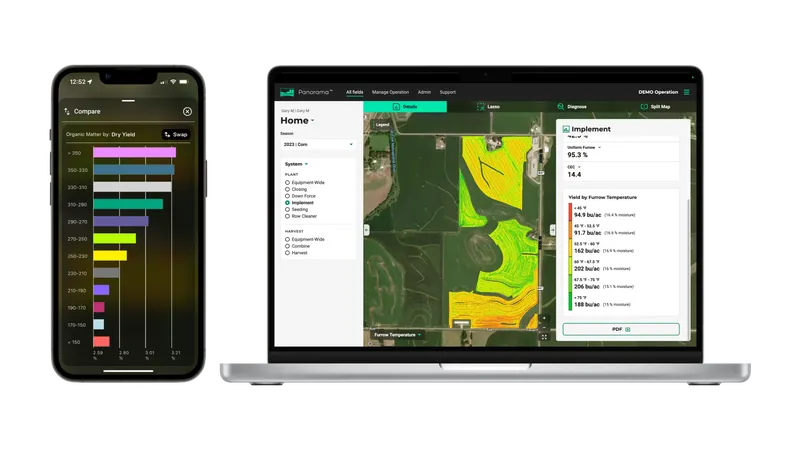
The Panorama app and website offer a high-quality experience. The easy-to-use app allows you to import agronomic data from a variety of platforms to view and analyse row-by-row maps, field average reports, yield comparisons and more. Use the Gen 3 20|20 and Panorama will automate the process of sharing and sending data from your monitor to other trusted platforms through a simple Wi-Fi connection.
Where Does the Data Come From?
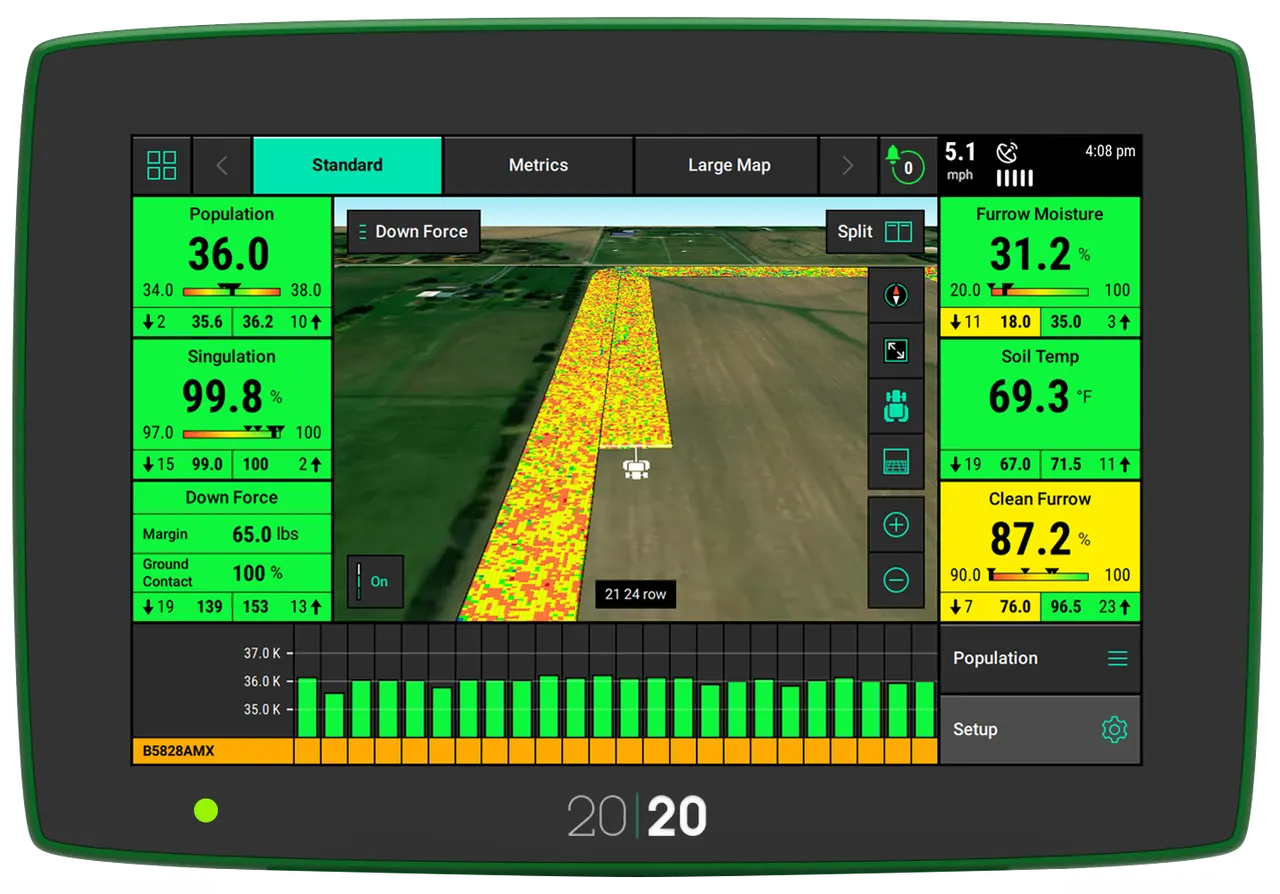
There are many sources of data that can be imported into Panorama. Upload data from the Gen 2 20/20 SeedSense, historical data from the Gen 3 20|20, JD Operations Center and Fendt & Case monitors. Use the Gen 3 20|20 and get a premium experience with live data & machine diagnostics.

Pan·o·ram·a [noun]
An unbroken view of the whole region surrounding an observer.
Analyse Results From Your Fields
Through high-definition maps, that match the 20|20 in-cab display, pixel-by-pixel.
Comparison Reports
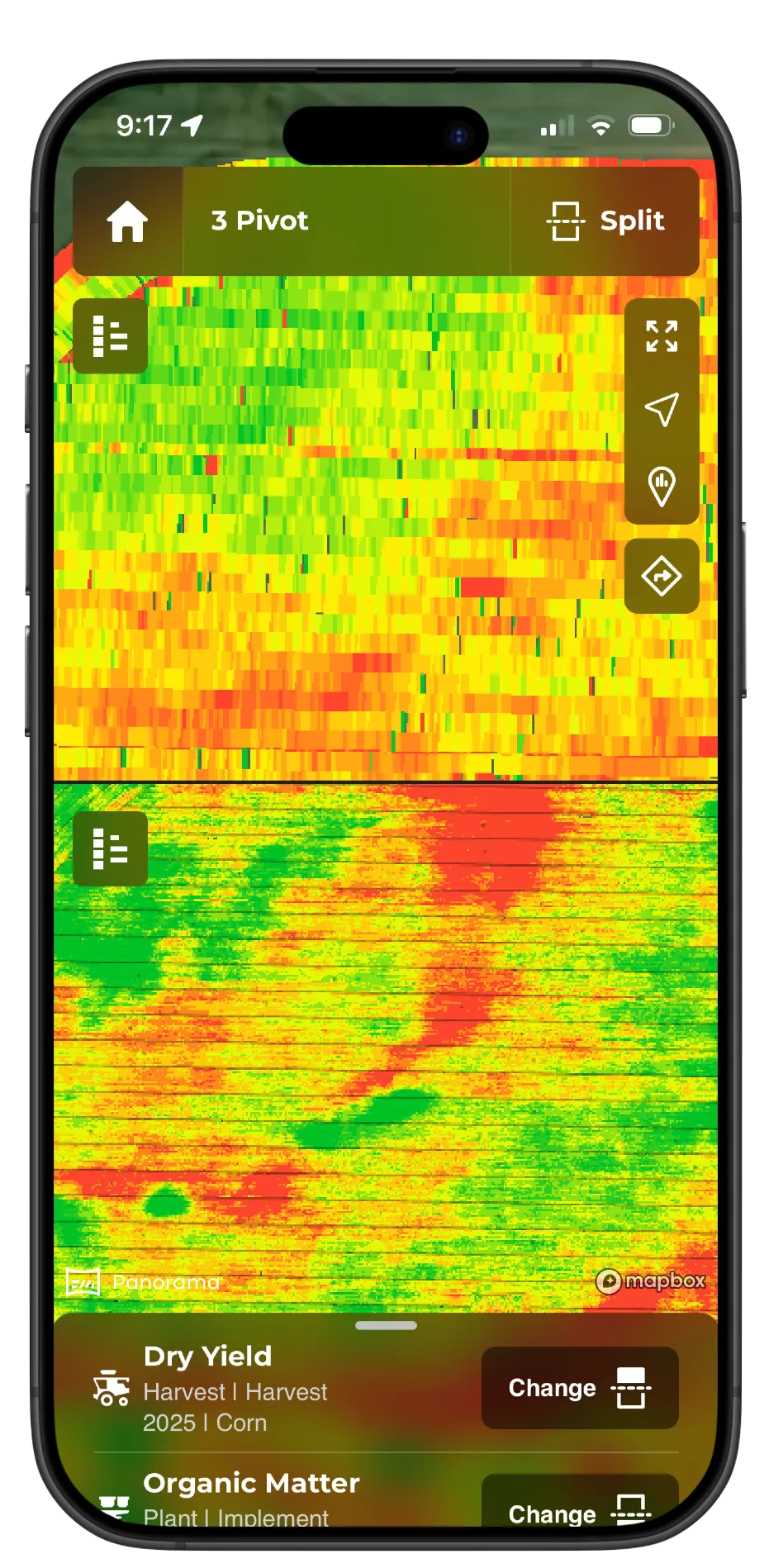
Pick and choose maps to compare in a split view to compare runs or metrics.
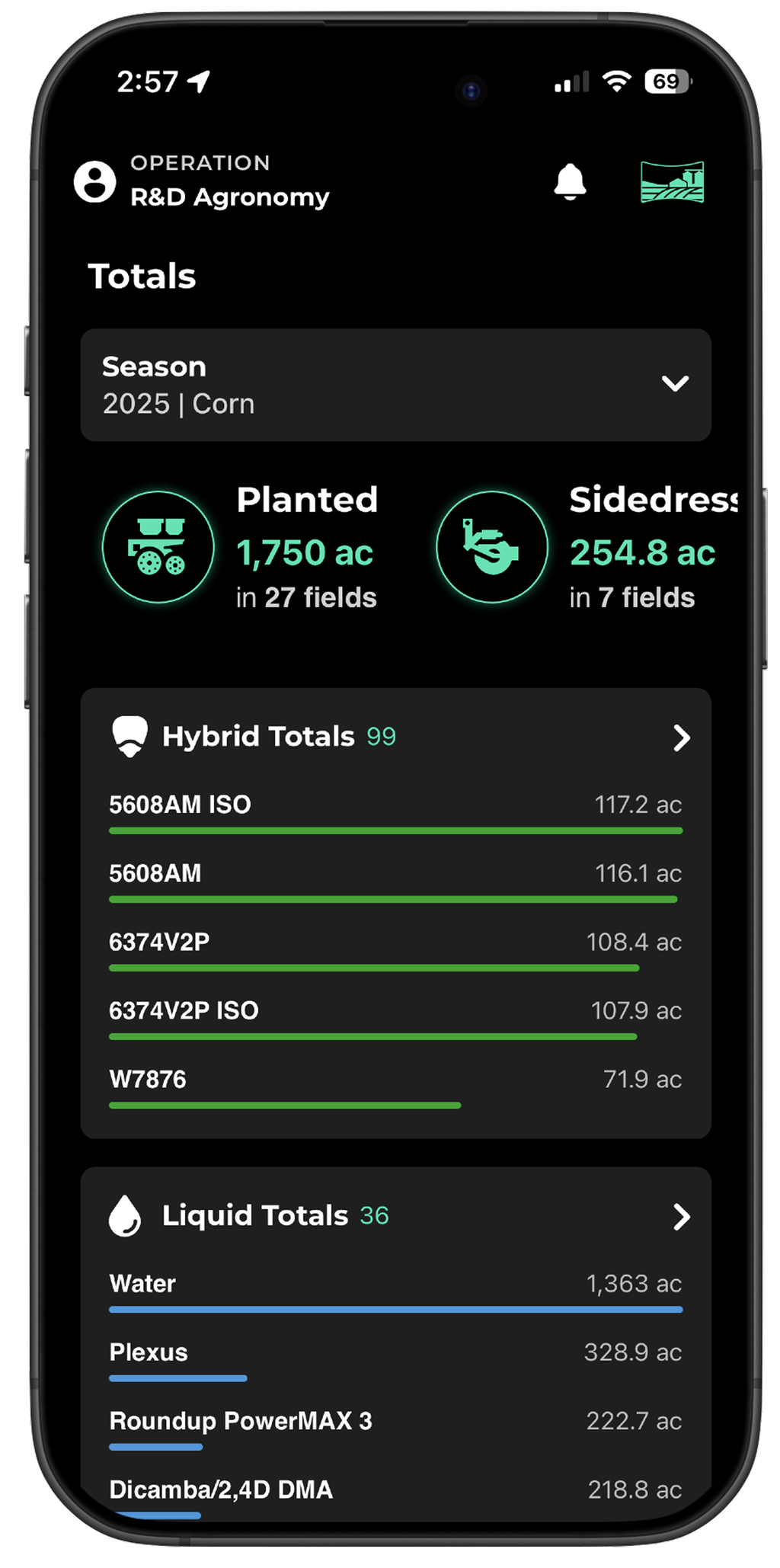
Hybrid Overview
See a summary of population, units used, and acres covered, per hybrid.
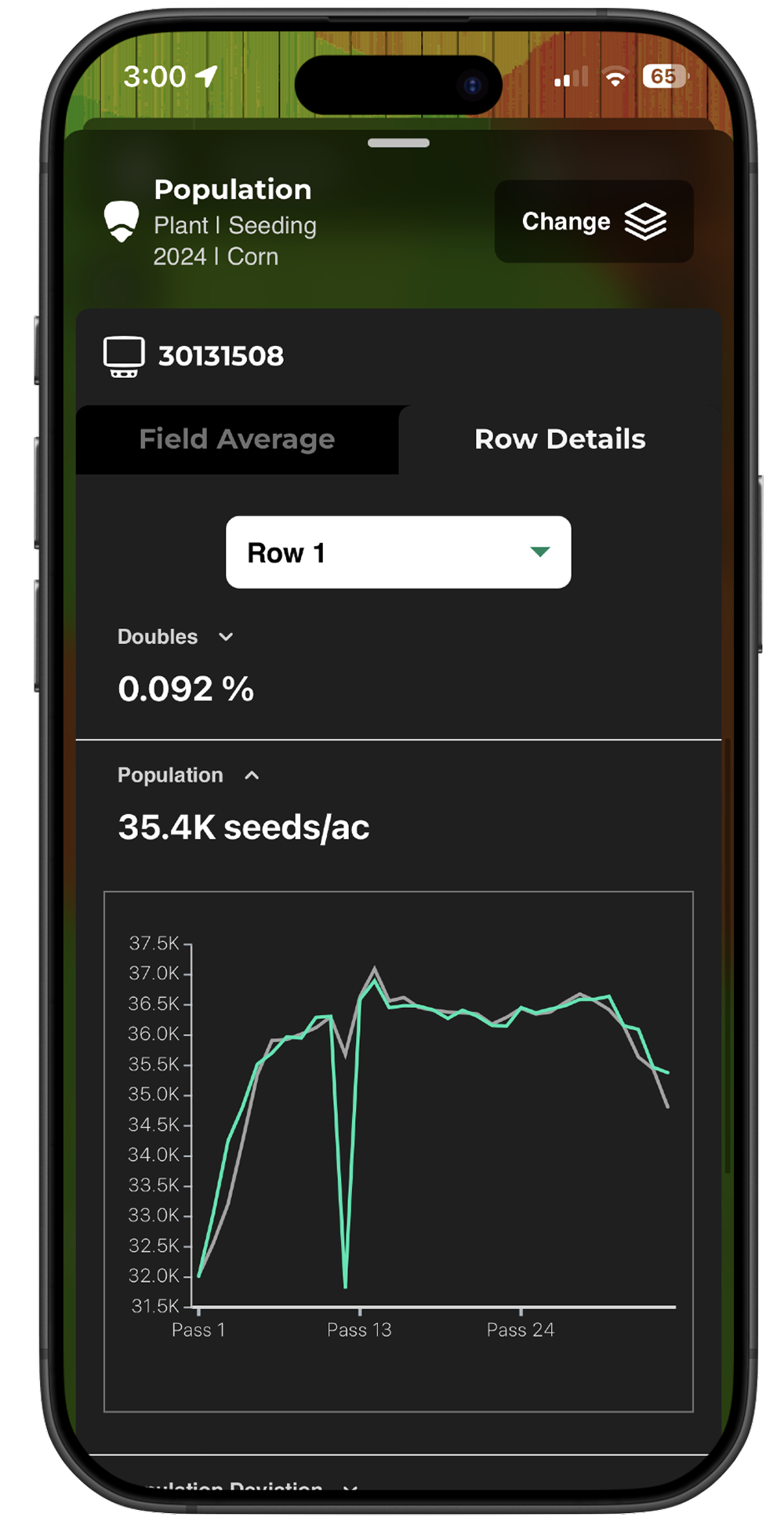
Field Summaries and Statistics
View row-by-row, pass-by-pass, and field total summaries. Values in Panorama match those in the 20|20 monitor, giving you confidence that your numbers will be consistent across the platform.
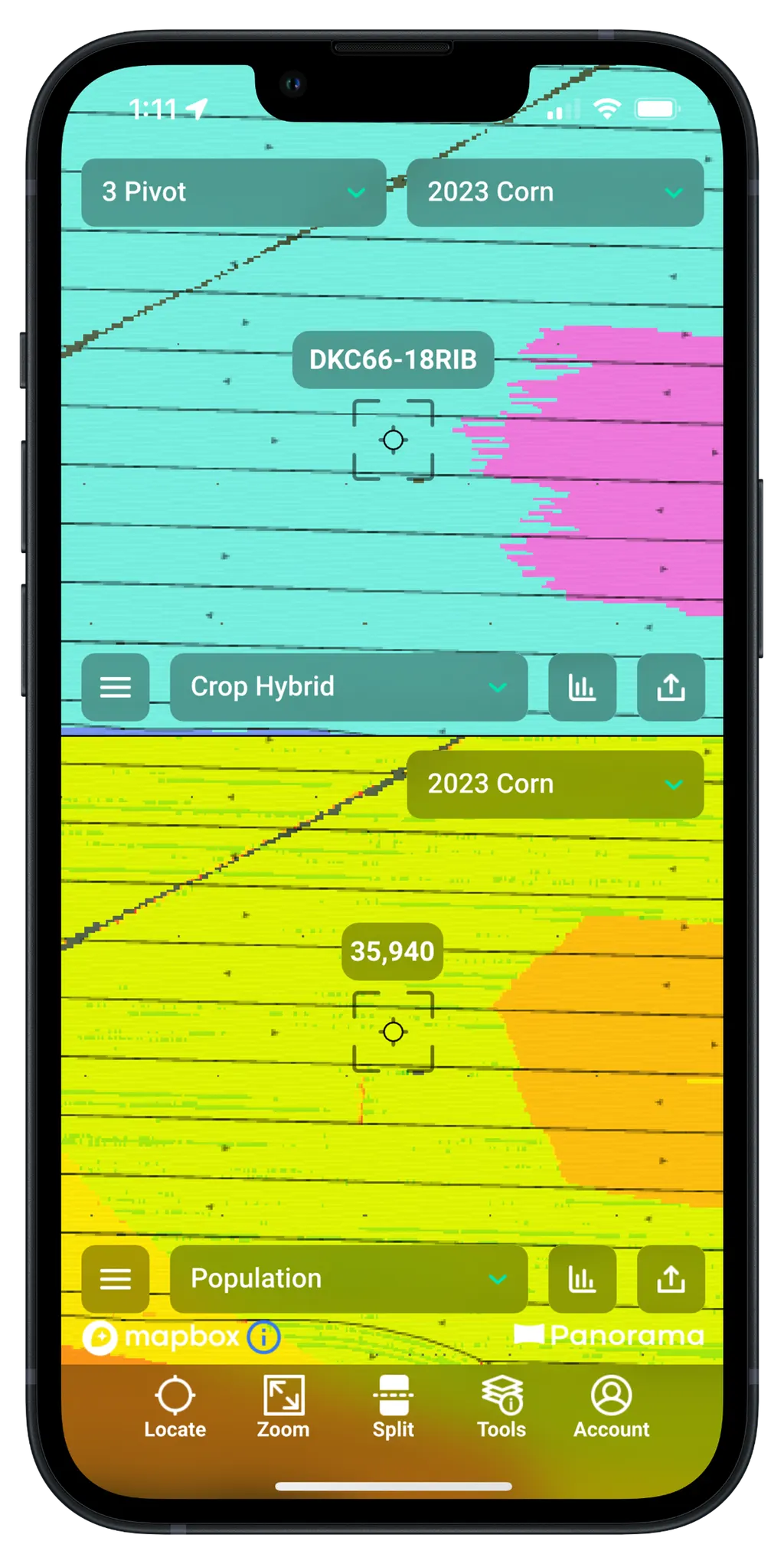
Bullseye View
Quickly view map data from a specific point by walking to that point in the field or holding down a location on the map.
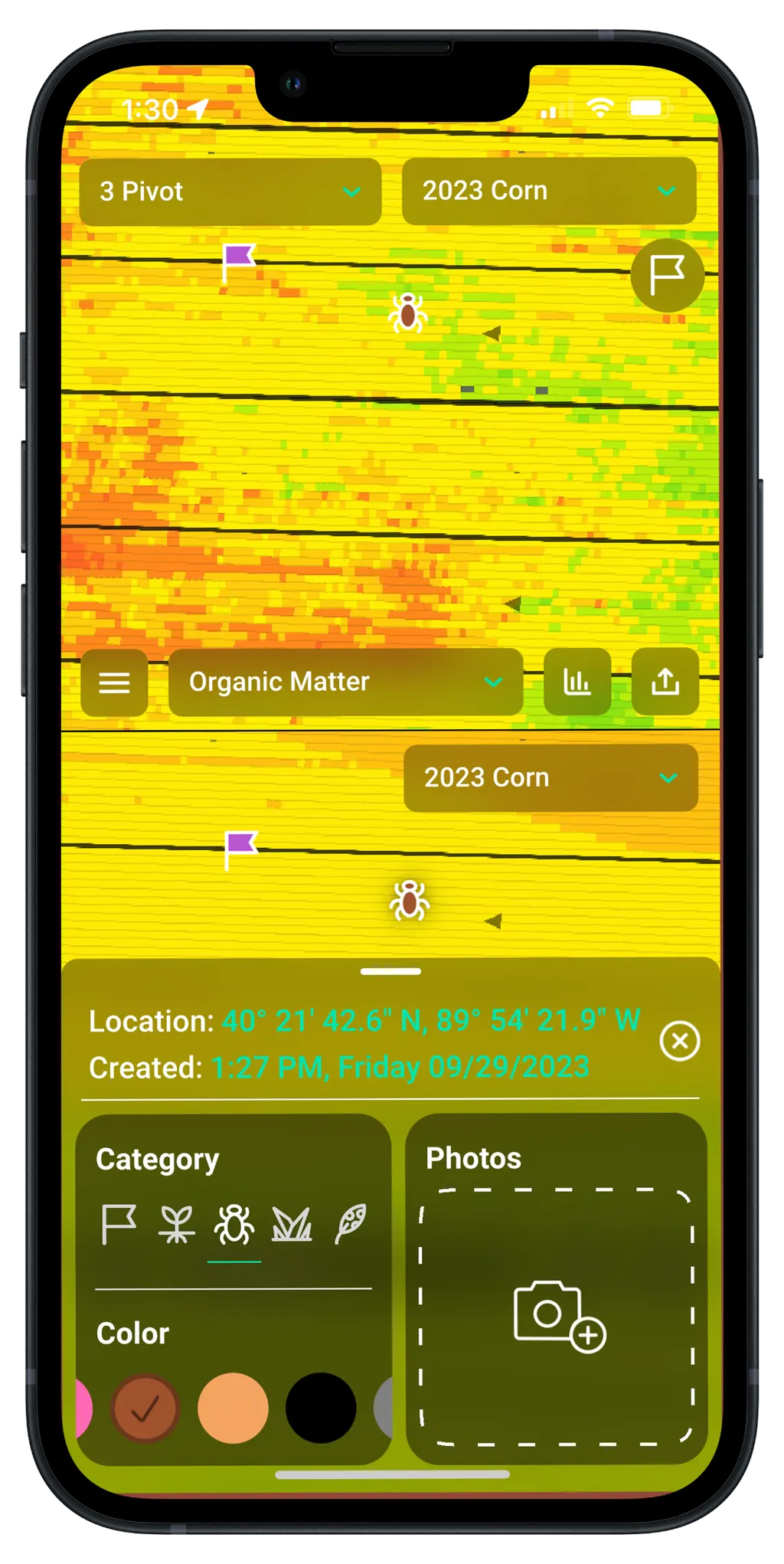
Scouting Tool
Take pictures and apply notes to geo-tagged spots in the field, all with the app on your smartphone-related to emergence, insects, weeds, and disease.
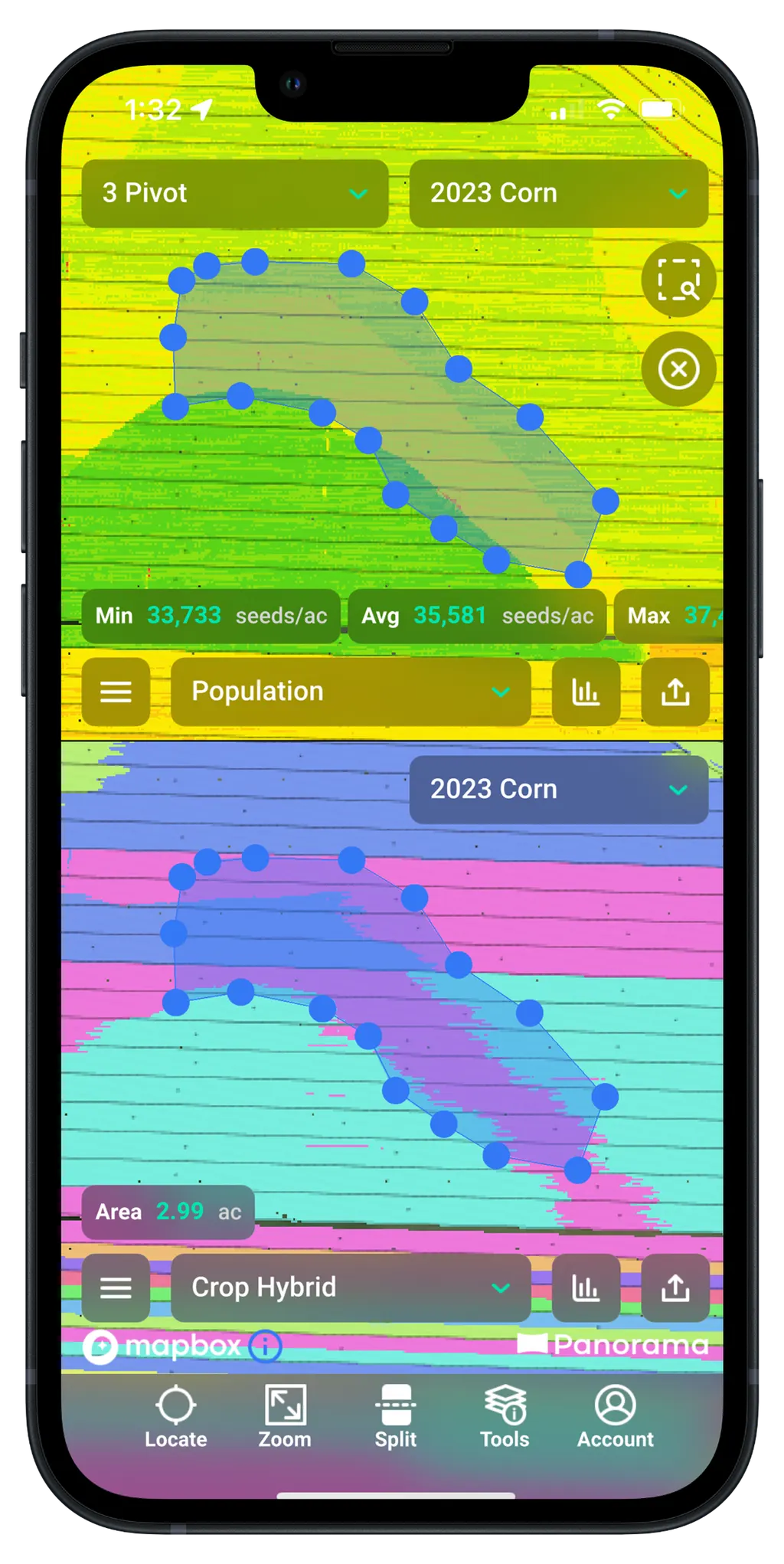
Lasso Selection Tool
Create polygon shapes within maps that single out data from a specific target area. See statistical summaries and histograms for both continuous and discrete maps.

It's simple to make an account and start using Panorama today!
Get Panorama For Your Farm
How it Works
When you make better decisions for your next pass, you make better decisions next season, and throughout the future of your operation. Access your data with Panorama to guide your future agronomic choices.
- Purchase an annual plan and make an account.
- Gather data from your growing season:
- Upload data from the Gen 2 20/20 SeedSense or another third-party platform. OR
- Use the Gen 3 20|20 and watch the data transfer to the app.
- Log in to your account on your device of choice, and explore agronomic data at your fingertips.
Generate Boundaries, Prescriptions & Reports
Panorama allows you to manage field boundaries, manually or automatically create prescriptions & generate reports for inputs, equipment performance, season briefs and more. Get a wholistic view of your operation, allowing you to plan ahead for the next season.
Data Syncing Across Implements
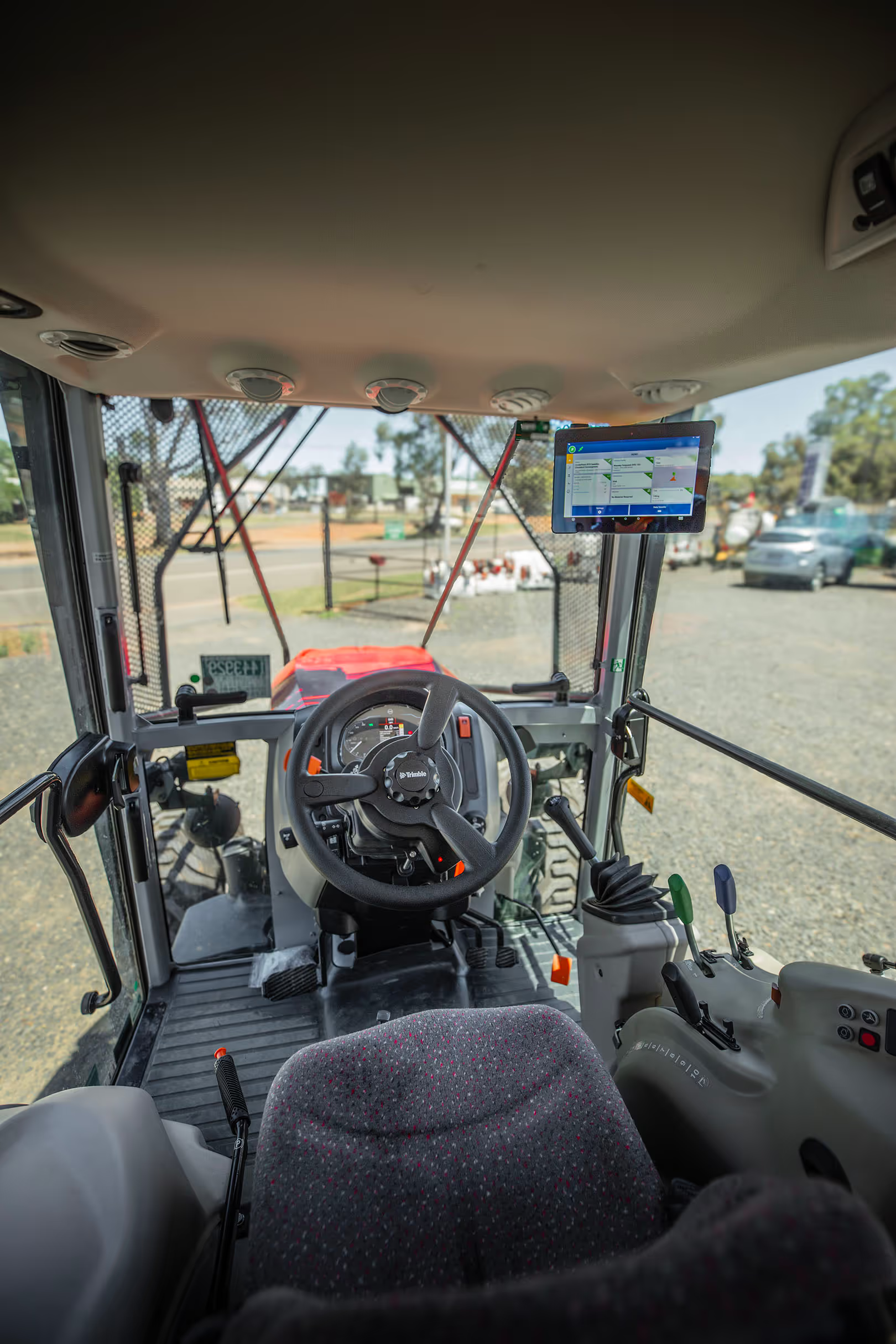
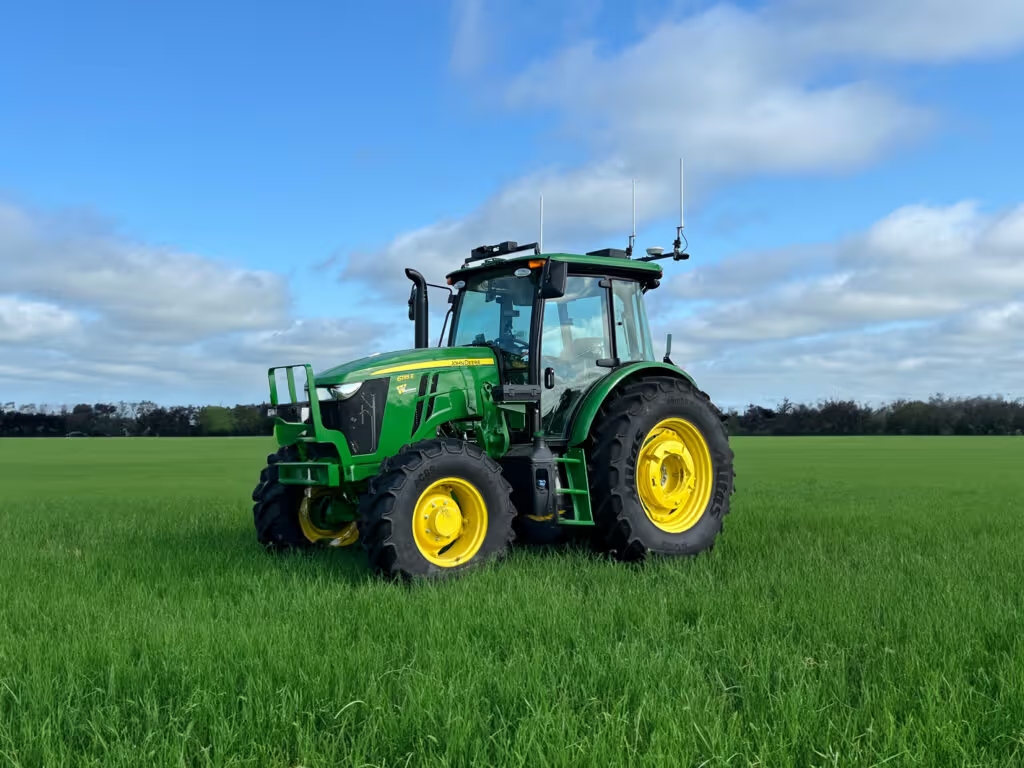
Share swath coverage and maps across implements working in the same field with Passmaster. Synchronise all maps available on all implements between Gen 3 20|20 systems for the entire field.
Empower Remote Support
Interactively view your in-cab Gen 3 20|20, remotely monitor field progress and analyse diagnostics from your tablet or computer with LiveStream. Through the extension of Passmaster to your device, you can stay connected to all machine data from anywhere.
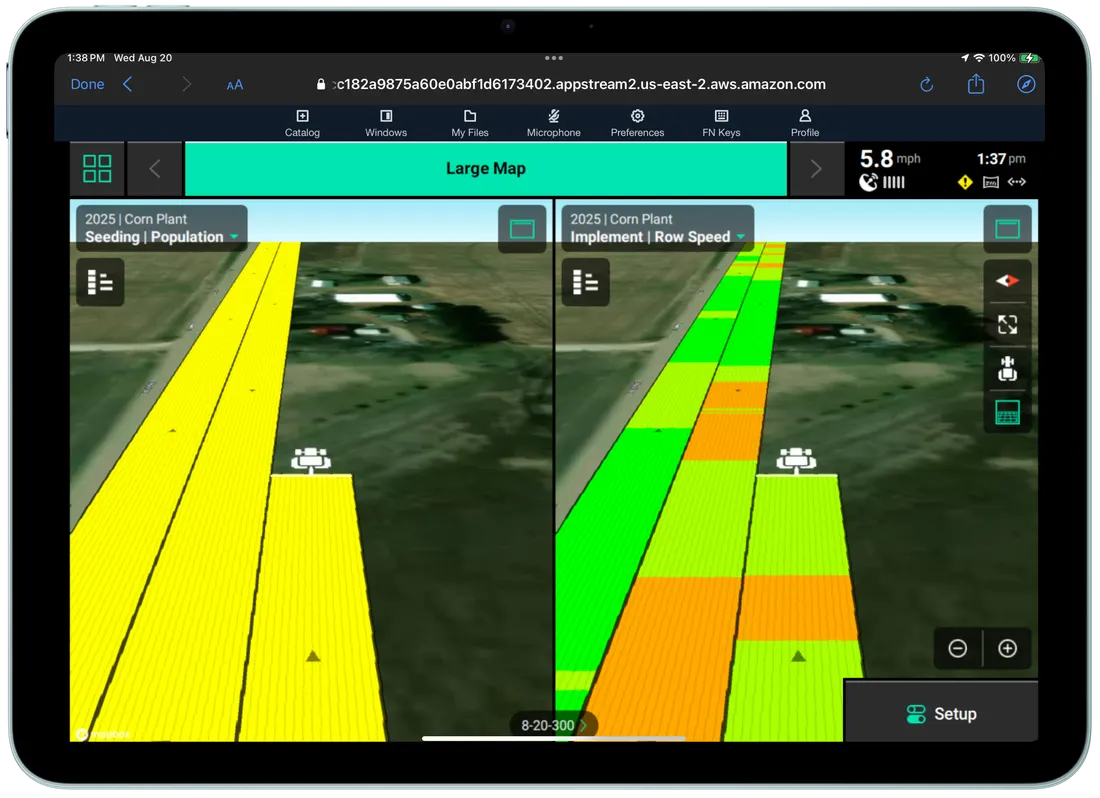
Connectivity
Through high-definition maps, that match the 20|20 in-cab display, pixel-by-pixel.
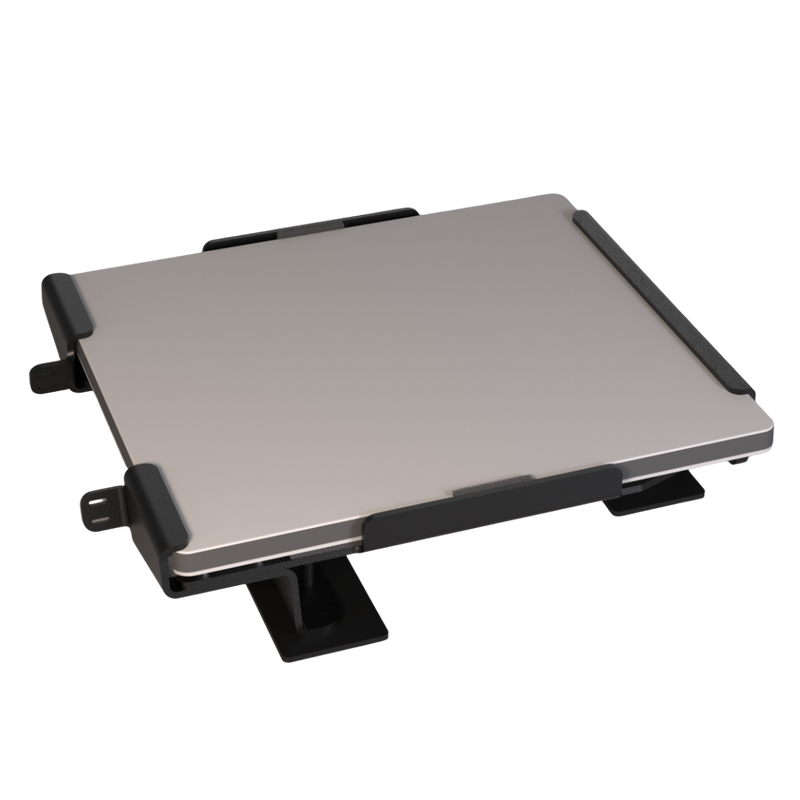
Starlink Mini Connectivity Bundle
Poor cellular connectivity preventing you from utilising Panorama's LiveStream feature?
Experience seamless and reliable in-field connectivity everywhere on your operation with a Starlink Mini Connectivity Bundle* and take full advantage of the opportunities that Panorama has to offer.
*Starlink is a trademark of Space Exploration Technologies Corp
Seamless Connections to Other Platforms
Get your data where you want it.
Enable as many or as few connections as you want at the flip of a switch. Panorama now connects to the following platforms so you can further explore and analyse your 20|20 data. More connections will be announced as they become available.





Frequently Asked Questions
No, data can be manually uploaded to Panorama from a variety of platforms including the Gen 2 20/20 SeedSense, John Deere Operations Center, Fendt and Case IH monitors.
However, using a Gen 3 20|20 enhances the user experience, with automatic transfer of data to Panorama. Diagnostic remote view is also only available through the Gen 3 20|20.
John Deere Operations Center shapefiles
ISOXML exports from Fendt and Case IH monitors
FieldView exported Gen2 20/20 data or historical Gen 3 20|20 data (.dat files)
You can access Panorama through any web browser, or download the mobile app on either iOS or Android devices. In the cab, the only required hardware is a Gen 3 20|20 monitor and a stable internet connection (although internet is not required in the field if you don’t mind uploading to Panorama later).
A wifi or cell signal is required to automatically sync data from a Gen 3 20|20. However, internet is not required in the cab if you plan to only upload data outside of the cab.
After you pair a Gen 3 20|20 with Panorama, it will upload data for the currently active field as you go (if you have a stable internet connection). To upload data for inactive fields and to check on the progress of your upload, you can go to the export page in your 20|20 settings.
Manual upload is required when transferring data to Panorama from non-streamed sources, such as the Gen 2 20/20 or a third-party display.
A cellphone or tablet with camera capabilities plus the app is all you need.
You can purchase an annual plan for $500 through your local Precision Planting Premier Dealer or at this link. You do not need to pay to join someone else's operation if they invite you, and there are no limits to the number of operations you can join.
You can purchase an annual plan for $500 through your local Precision Planting Premier Dealer or at this link. You do not need to pay to join someone else's operation if they invite you, and there are no limits to the number of operations you can join. You can create a Panorama account today to see a demo of the Panorama experience. You will not be required to pay until you add your own data.
Your Field. Your Data. Your Choice.
We don't share your data with anyone unless you tell us to. You own it, not us.
Not sure which system suits your operation?
MCX Tech works directly with growers to design precision technology solutions that match machinery, farm scale, and operational goals.